
5G Web Browser1.18 - Google Play
You'll be able to see results in few seconds.
Publisher Description
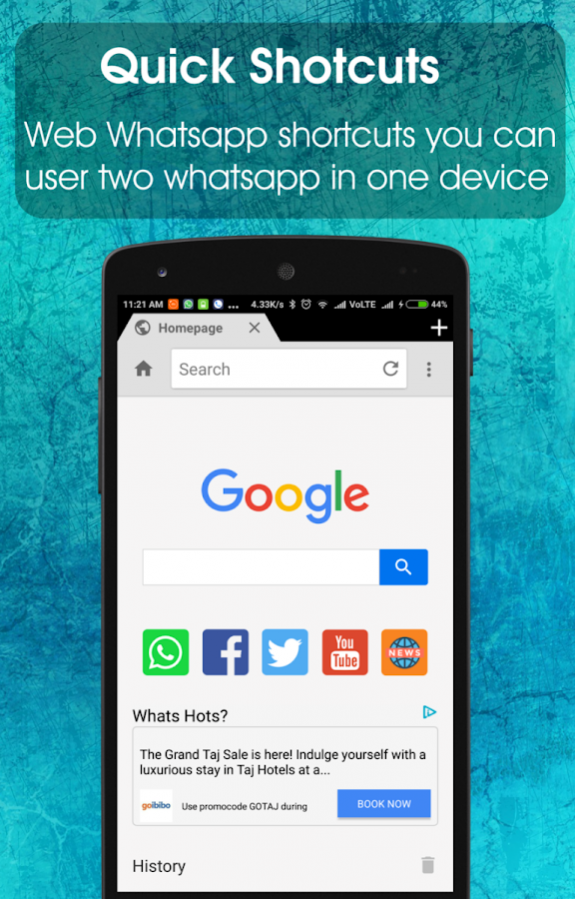
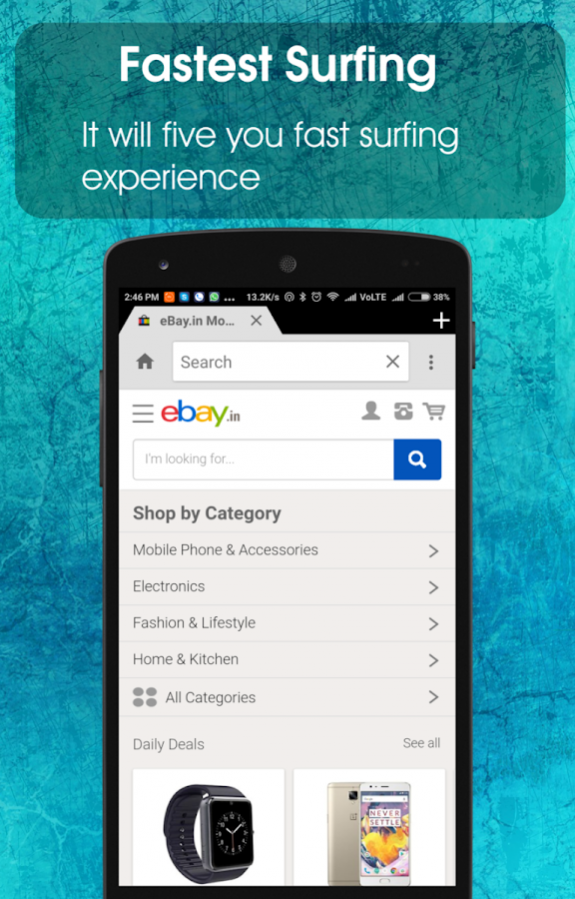


Browser 5G Fast Internet Speed up. super speedy up on 3G 4G and 5G mobile network
Web Browser with the latest security and privacy features to help you stay safe on the Internet.Smallest fastest light Wight secure Web Browser. clearview browser also fast video browser.
simple web browser big screen web browsing easy and safe browser and secure browser
- Fun- stunning Html5 games without downloading point-and-play.
- Data Save - no image mode monthly savings of about 70% data traffic
- Lightweight browser with the fast Internet and powerful SPEED!
- The fastest Start Times: View web pages quicker on your phone
- Search and navigate fast, directly from the same box.
- Privacy - Browse privately in Incognito mode chrome support.
- Full Internet security and speed booster
- Custom download location
- Whatscan app for whatsweb (Dual Whatsap)
- Multi-Tabs Manage function
- Support Web Whatsapp
- Support full screen mode
- Mobile and Desktop Mode.
- Shortcut for Web Whatsapp.
- private browser and file manager for documents
- private browser lite - batch save images from web
- browser with fullscreen & 3d cube
Why choose Fast Browser:
Light-weigh: Browser is smaller than 4MB and doesn’t load your device’s memory (RAM),your device runs smoothly.
Faster: Capable of fast browsing the web on low-end smart-phones, even its works on 2G network connections.
SUPPORT UNIVERSAL APP
• various devices.
NOTES
• App contains banner and interstitial ads.
Contact us if you have any questions, ideas for improvements or experience any bugs when using app: offspringjava09@gmail.com
Your feedback will be used in future updates.
About 5G Web Browser
The company that develops 5G Web Browser is OFFSPRING JAVA. The latest version released by its developer is 1.18.
To install 5G Web Browser on your Android device, just click the green Continue To App button above to start the installation process. The app is listed on our website since 2018-01-24 and was downloaded 0 times. We have already checked if the download link is safe, however for your own protection we recommend that you scan the downloaded app with your antivirus. Your antivirus may detect the 5G Web Browser as malware as malware if the download link to offspringjava.browser is broken.
How to install 5G Web Browser on your Android device:
- Click on the Continue To App button on our website. This will redirect you to Google Play.
- Once the 5G Web Browser is shown in the Google Play listing of your Android device, you can start its download and installation. Tap on the Install button located below the search bar and to the right of the app icon.
- A pop-up window with the permissions required by 5G Web Browser will be shown. Click on Accept to continue the process.
- 5G Web Browser will be downloaded onto your device, displaying a progress. Once the download completes, the installation will start and you'll get a notification after the installation is finished.
Program Details
System requirements
Download information
Pricing
Version History
version 1.18
posted on 2018-01-24
Minor issue fix
version 1.7
posted on 2016-09-20
1.8,minor bug fix.,improve performance
Disclaimer
Official Google Play Link
We do not host 5G Web Browser on our servers. We did not scan it for viruses, adware, spyware or other type of malware. This app is hosted by Google and passed their terms and conditions to be listed there. We recommend caution when installing it.
The Google Play link for 5G Web Browser is provided to you by apps112.com without any warranties, representations or guarantees of any kind, so access it at your own risk.
If you have questions regarding this particular app contact the publisher directly. For questions about the functionalities of apps112.com contact us.
